Choose what your logs keep
Choose what each log keeps, for the account or one domain, and after how many days Mailyoto deletes your logs.
Updated 31 October 2026
Mailyoto has 2 settings for what it keeps about each email it handles: what each log keeps, and after how many days Mailyoto deletes the logs.
Before you start
- Any plan.
- Free deletes logs after 1 to 14 days, Pro after 1 to 60 days and Max after 1 to 365 days.
What each log keeps#
Every log keeps when the email arrived, where it went and how each delivery ended. You can add to that with 2 switches.
| Switch | When it’s on |
|---|---|
| Keep subjects and addresses | Each log entry shows the sender, the subject and the destination, and you can search the logs by them. When it’s off, Mailyoto stores them only as a one-way hash. |
| Keep the full content of failed email | Mailyoto keeps a copy of each email it refuses or can’t deliver, until it deletes the log. The log entry offers Download raw message, and on a paid plan Resend for a failed forward. |
New accounts keep subjects and addresses, and no full content.
-
Choose what the account’s logs keep#
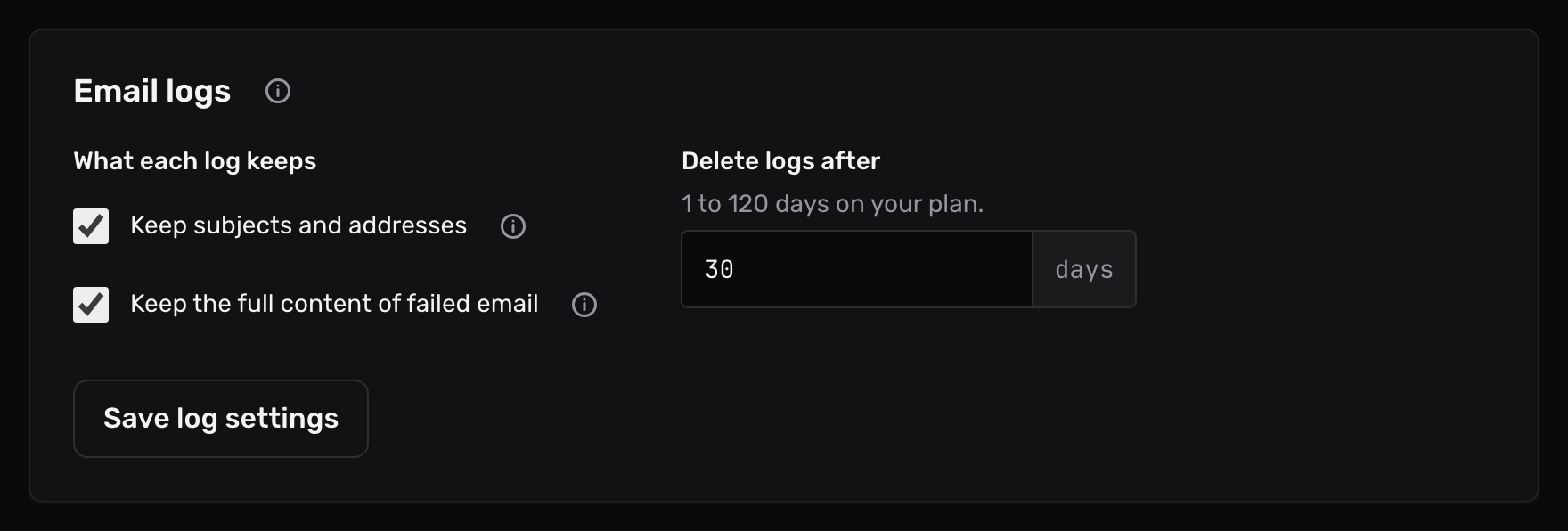
Open Account in the sidebar, then the Email logs tab.
Under What each log keeps, turn each switch on or off.
-
Choose when Mailyoto deletes logs#
In Delete logs after, enter a whole number of days.
The line above the field shows the range your plan allows.
-
Save#
Select Save log settings.
The switches apply to email that arrives from now on. Logs already stored keep what they had.
-
Give one domain its own switches#
Open the domain’s Usage and logs tab. Below the list of messages, in Log settings, turn on Use different log settings for this domain.
Set the 2 switches for that domain, then select Save log settings.
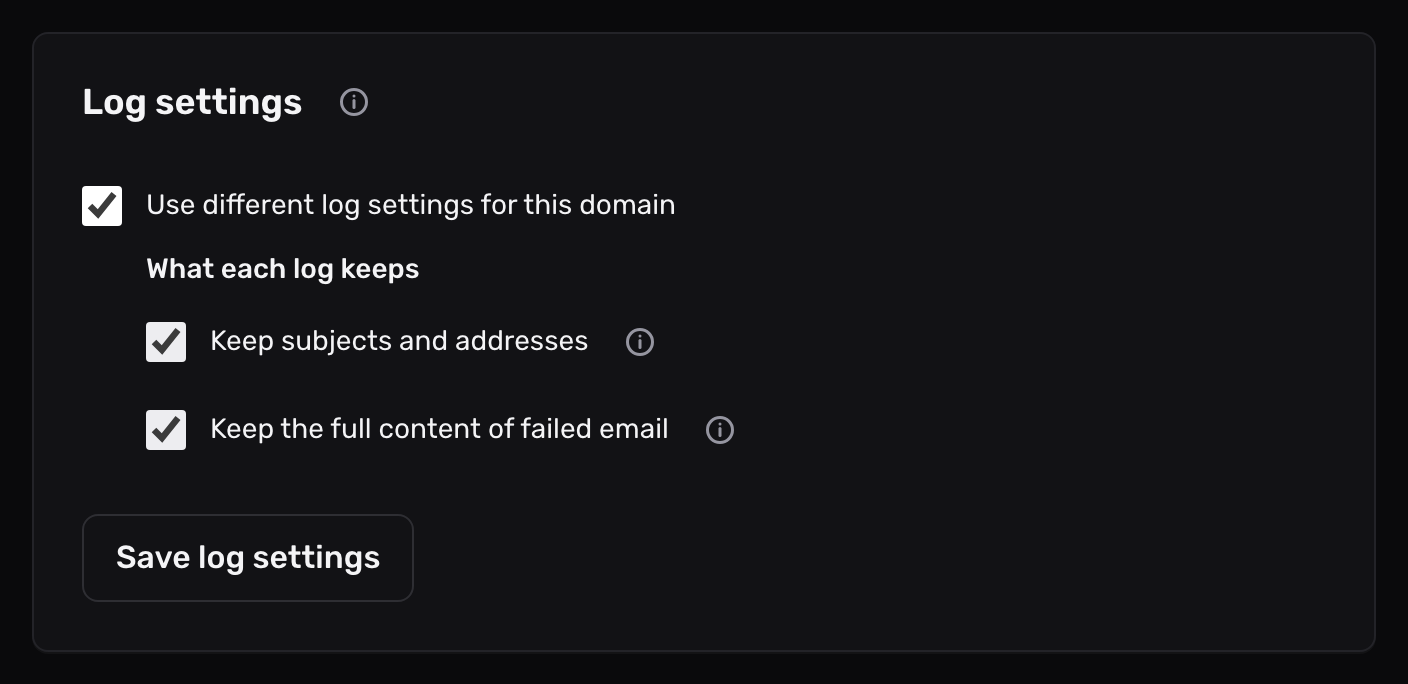
To make the domain follow the account again, turn Use different log settings for this domain off and save.
The number of days stays the account’s for every domain.
How long logs are kept#
| Plan | Delete logs after |
|---|---|
| Free | 1 to 14 days |
| Pro | 1 to 60 days |
| Max | 1 to 365 days |
Every account starts at 14 days. A paid plan doesn’t lengthen that by itself: enter the number you want after you upgrade.
Each night, Mailyoto removes logs older than the number of days you chose. A lower number removes the older logs at the next nightly run.
If your account moves to Free, a number above 10 goes down to 10. A lower one stays.
“Enter a whole number from 1 to 14.”
The number is outside the range your plan allows, or it isn’t a whole number. Free keeps logs for up to 14 days. Upgrade to Pro to keep them for up to 60, or to Max for up to 365.
An older email has no Download raw message
It arrived while Keep the full content of failed email was off, or Mailyoto deleted its copy once it delivered the email. Turn the switch on to keep copies of email that fails from now on.