Free
For one domain
$0
No payment details needed
Create your account- Emails forwarded a month: 5,000
- Domains: 1 domain
- Aliases: 15 / domain
- Log history: 14 days
- Works with AI assistants
No credit card required. See our privacy policy.
Email anyone from hello@lunavera.com in Gmail, Outlook, or any email app. Paid plans include SMTP credentials.
Set up sending in your email appOn Pro and Max, press Reply in any mail app, even the Gmail phone app, and your response is sent from your alias. Your personal address stays private.
Reply from your aliasReceive email sent to any address on your domain, even ones you never created.
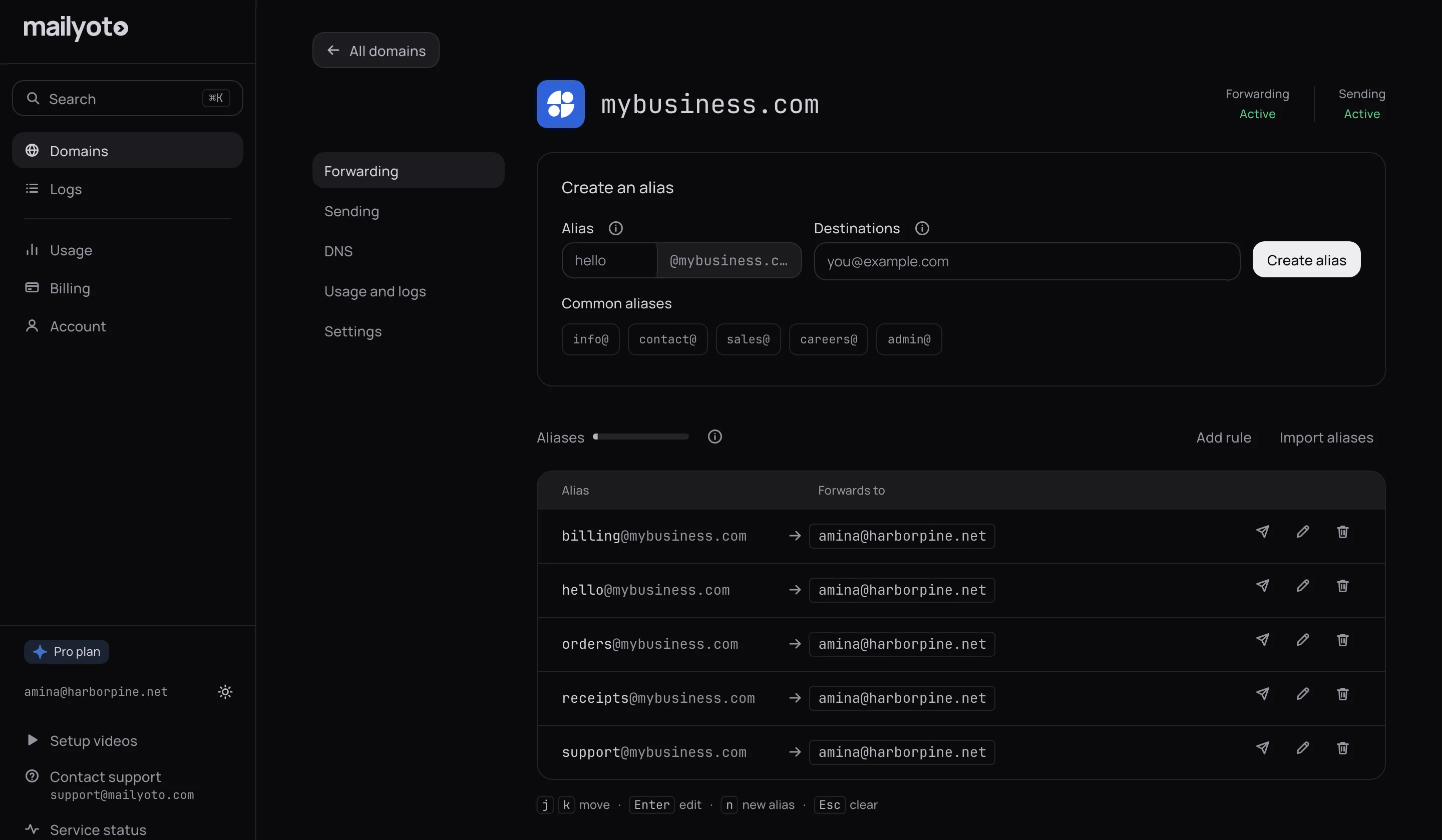
Set up aliases and a catch-allSwitch an alias off for a holiday or a handover, and choose whether its email waits, returns to the sender, or is discarded.
Pause an aliasSet an alias to keep only important email. It drops newsletters and promotions, and lets through email about a receipt, an order, an invoice, a password, a code or a verification.
Keep only important emailTap Unsubscribe in your mail app on an email we forwarded, and that sender stops reaching that alias. Everyone else's email keeps arriving.
Block one senderSee what arrived, where it went, and why a message bounced. Logs are searchable from your dashboard.
Use the logs to find a missing emailOn Pro and Max, if a forwarded email bounces because of a typo or a full inbox, fix the cause and send it again from your logs. The resend goes only to the addresses that missed it.
Resend a failed emailManage domains and aliases from code. The full API is available on every plan, including Free.
Read the API referenceOn Pro and Max, send an email through the API at a time you set, up to 72 hours ahead. Cancel it from your logs until it goes out.
Schedule an emailSend each email to your own HTTPS endpoint as JSON, on Pro and Max plans. Every request carries a signature your endpoint can verify.
Set up a webhookA REST API with bearer-token auth, and webhooks that POST each email to your endpoint as JSON signed with HMAC-SHA256.
One POST request sends an email from your domain. Test addresses show how your code handles each result without sending real email.
Send email with the APIEach email to an alias reaches your endpoint as a signed POST request.
Deliver email to a webhookAsk Claude or another AI assistant to change an alias, read your logs or send an email.
See what an assistant can doOn macOS, Linux or Windows. Install steps
Create the key on the Account page, then save it.
mailyoto key save Run this in a terminal:
claude mcp add --scope user mailyoto -- mailyoto mcp Add Mailyoto to claude_desktop_config.json.
Run this in a terminal:
codex mcp add mailyoto -- mailyoto mcp Add Mailyoto to mcp_config.json.
Add Mailyoto to mcp_config.json.
Add Mailyoto to settings.json.
We pride ourselves on offering a reliable email forwarding service.
“Migration from Google Workspace to Mailyoto was seamless. Never had a single issue with it, honestly one of the easiest tools we pay for.”

“An awesome email forwarding service, so simple to set up. Their support team is responsive and the pricing's fair - really a BANG for your buck! We tell every startup we meet to use it.”

“Marketing used to wait on IT for setting up email. Now our team can do it themselves in minutes, with a bit of help from IT :), and we've never lost an email. Would recommend.”

Typical delivery time in the last 24 hours, from our servers to the provider.


For one domain
$0
No payment details needed
Create your accountFor sending from your domains
$5 /month
$48 when paid yearly
Create your accountEverything in Free, plus:
For high volume and many domains
$10 /month
$95 when paid yearly
Create your accountEverything in Pro, plus:
Reach out to us for limits beyond our Max plan.
We don't access the content of your messages.
We delete each message once it's delivered.
We don't sell your data, we don't run ads, and our website has no third-party trackers.
Yes. Mailyoto delivers to any inbox you already have: Gmail, Outlook, Yahoo, iCloud, or your own mail server. You don't need to install anything.
No. Your inbox stays where it is. Mailyoto forwards your domain's email to it.
Yes, on paid plans. Replies are sent from your alias, and you can send mail from any email app.
We filter it out before forwarding, and list it in your logs.
1 domain, 15 aliases, 5,000 forwarded emails a month and the API. It's free forever, and you don't need a card.
Yes. Mailyoto forwards email sent to a domain you own.
Buy a domain at NamecheapAdd your domain, add 2 MX records and 1 SPF record at your DNS provider, and create your first alias.
Add your domain