Add DNS records in Vercel
Add Mailyoto's 2 MX records and 1 SPF record by hand to a domain that uses Vercel's nameservers.
Updated 29 October 2026
Choose a different DNS provider
Domain registrars
Web hosts
DNS and cloud services
Website platforms
Add Mailyoto’s records in Vercel if the domain uses Vercel’s nameservers. Vercel then runs the domain’s DNS.
Before you start
- The domain added in Mailyoto. See Add your domain.
- Access to the Vercel team that owns the domain.
- The domain using Vercel’s nameservers. If it only points a website at Vercel and keeps another company’s nameservers, add the records there. Add DNS records at any provider covers that.
-
Open the domain#
In Vercel, open your team’s Domains and choose your domain, for example
lunavera.com. The domain page lists its DNS Records.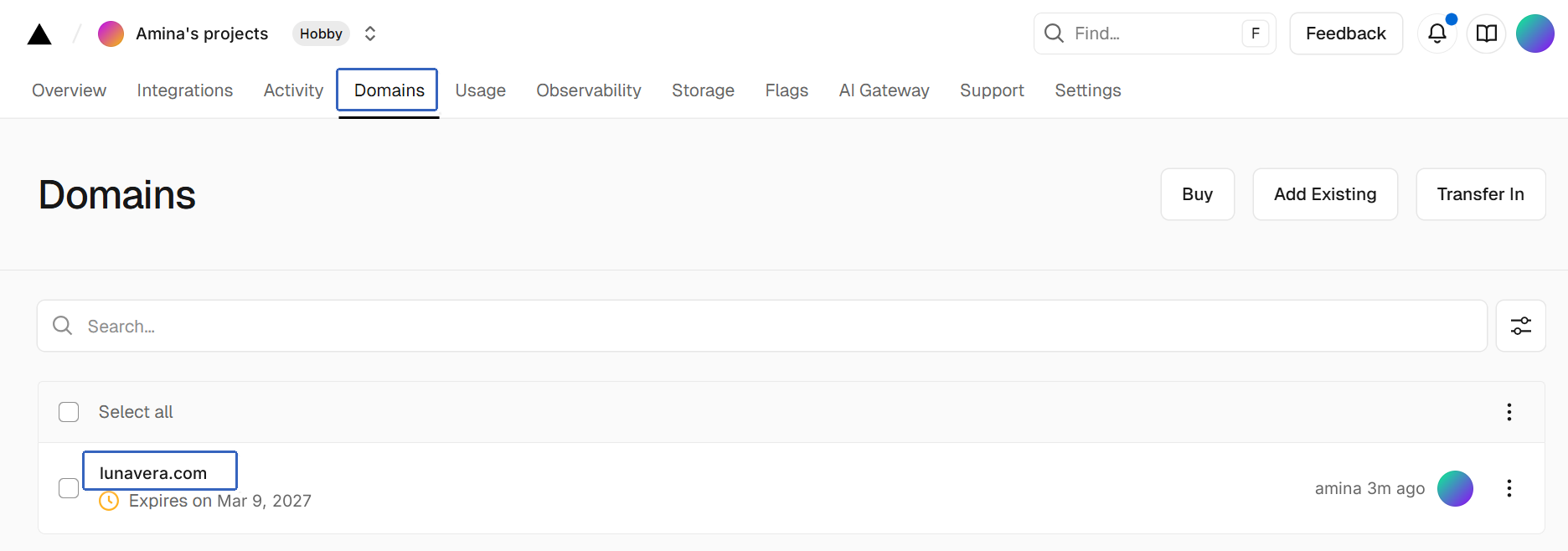
-
Delete the other MX records#
In DNS Records, delete every MX record that doesn’t point to Mailyoto.
Mailyoto verifies the domain only when all of its MX records are Mailyoto’s.
-
Add the MX records#
Add each row below as 1 record, in the form above the list. Leave Name empty, which means the domain itself.
MX records Name Type Value Priority Leave empty MX mx1.mailyoto.com 10 Leave empty MX mx2.mailyoto.com 20 Leave TTL as Vercel fills it in.
-
Add the SPF record#
Add 1 TXT record with Name empty.
- Name
- Leave empty
- Type
- TXT
- Value
- v=spf1 include:spf.mailyoto.com ~all
Important
A domain can have only 1 SPF record. If DNS Records already has a TXT record starting with
v=spf1, edit it instead: addinclude:spf.mailyoto.combefore its final~allor-all. See Merging SPF records. -
Compare the list#
The list should now hold both MX records and the SPF record.

-
Add the DKIM records (optional)#
You need these only to send email from your domain. Sending is on the Pro and Max plans. Add 2 records with Type CNAME.
- Name
- yoto1._domainkey
- Value
- yoto1.yotosend.com
- Name
- yoto2._domainkey
- Value
- yoto2.yotosend.com
Setting up DKIM explains what these records do.
Check the records in Mailyoto#
In Mailyoto, open Domains, choose your domain and open the DNS tab. Choose Check DNS.
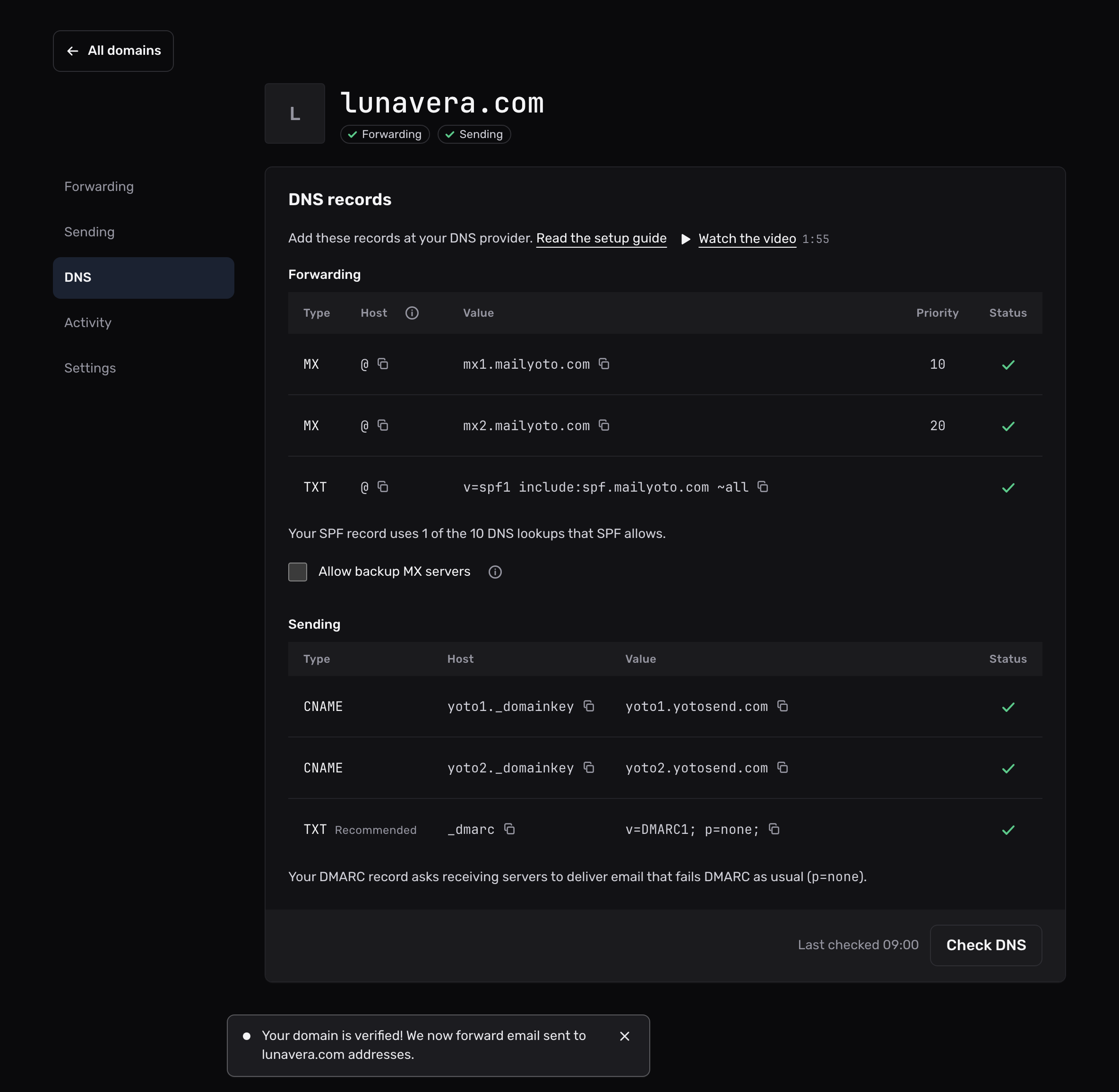
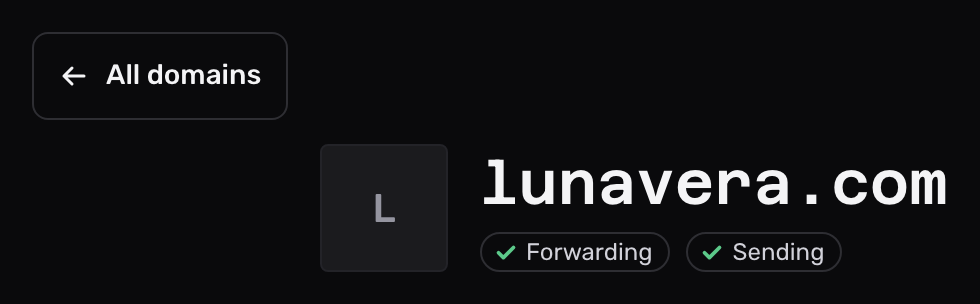
Each record shows a tick once Mailyoto sees it. When Mailyoto finds the MX and SPF records, the Forwarding pill at the top of the domain shows a tick.
If a record still shows a cross, check it again later. Mailyoto also checks every domain each day at 02:00 UTC.
If the domain doesn’t verify#
The domain doesn't use Vercel's nameservers
Records in Vercel have no effect while the domain’s nameservers belong to another company. Add the records at that company, or move the nameservers to Vercel.
The records are on the wrong name
Vercel adds .lunavera.com after whatever you type in Name. If a saved record reads lunavera.com.lunavera.com, delete it and add it again with Name empty.
There are 2 SPF records
A domain can have only 1 TXT record that starts with v=spf1. Merge them into one, as in Merging SPF records.