Domain status
What the Forwarding, Sending, Blocked and Frozen pills on a domain mean, what changes them and when Mailyoto checks again.
Updated 29 October 2026
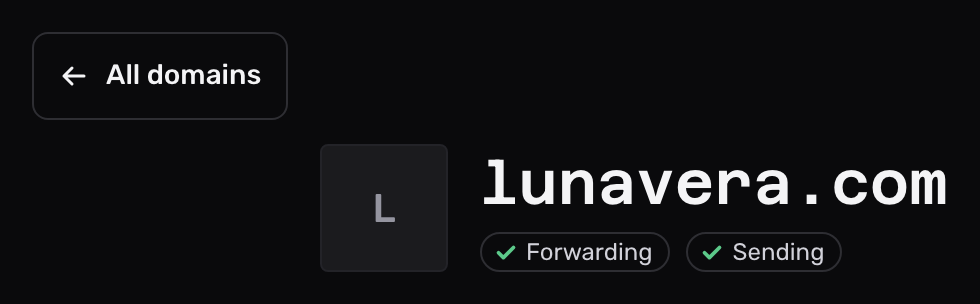
Each domain shows its status as pills: on the Domains list and at the top of the domain’s own page. The pills report what Mailyoto finds in the domain’s DNS records. They don’t count aliases or recent email.
The pills#
| Pill | Tick | Cross |
|---|---|---|
| Forwarding | Mailyoto found both MX records and the SPF record, and forwards the domain’s email. | A forwarding record is missing or wrong. Open the DNS tab to see which. |
| Sending | Mailyoto found the SPF record and both DKIM records, and the domain has at least 1 SMTP credential. | A sending record or the credential is missing. Pro and Max only: on Free this pill does not appear. |
The Forwarding pill depends on DNS only. A domain with verified records and no aliases still shows a tick. Without a catch-all, its email goes back to the sender.
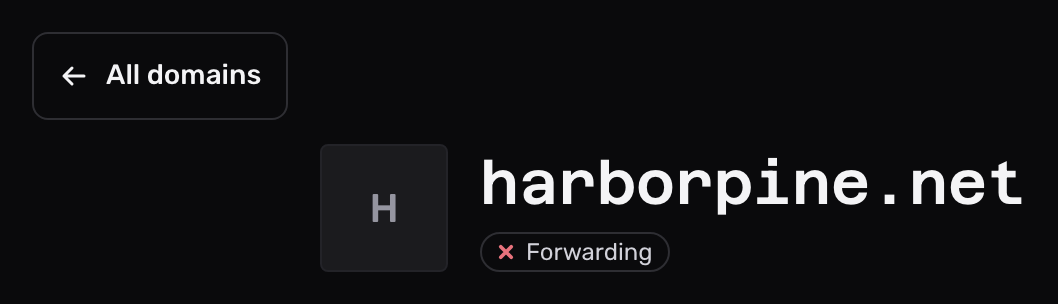
2 more pills replace the others when they apply:
- Frozen means the domain is over your plan’s domain limit, usually after a downgrade. Mailyoto holds its email for 5 days, then returns it to the sender. Upgrade, or delete other domains, to turn it back on.
- Blocked means Mailyoto has blocked the domain. Write to
support@mailyoto.comabout it.
Screen readers hear each pill as its name followed by “active” or “not active”.
When the status changes#
Mailyoto checks the records at these times:
| When | What Mailyoto checks |
|---|---|
| You open the DNS tab, or select Check DNS | All the domain’s records, at once |
| Every hour | MX, SPF and DKIM on every domain |
| Every 5 minutes for 2 days after you add a domain, until it forwards | All the domain’s records |
| At 07:20 UTC on the 1st, 4th and 10th day without a Forwarding tick | All the domain’s records, before the reminder email |
A change at your DNS provider shows on the pills after the next check. The hourly check removes a Forwarding tick only after 2 failed checks in a row. To see a change at once, open the DNS tab.
When a domain loses its Forwarding tick, Mailyoto emails you about it.
What changes a pill#
- Adding, editing or deleting records at your DNS provider.
- Creating the domain’s first SMTP credential, for Sending.
- Changing plan: a downgrade can freeze domains, and an upgrade or a deleted domain can unfreeze them.
Navigate DNS tab explains each record and its mark.