Switch to another paid plan
Move between Pro and Max, or between monthly and yearly, and see exactly what the switch costs before you confirm it.
Pro or Max plan Updated 29 October 2026
On Pro or Max you can switch plan or billing cycle at any time. The new plan starts as soon as you confirm, and the card on your subscription pays any difference.
Before you start
- A Pro or Max subscription. To go from Free to a paid plan, see Upgrade to Pro or Max.
- To go back to Free, cancel the subscription instead.
-
Open the plans#
Open Billing in the sidebar, then select Change plan.
Your plan is marked Current plan.
-
Choose the new plan#
Pick Monthly or Yearly, then select Choose Pro or Choose Max.
To change only the billing cycle, pick the other cycle and choose the plan you are on.
-
Check the price#
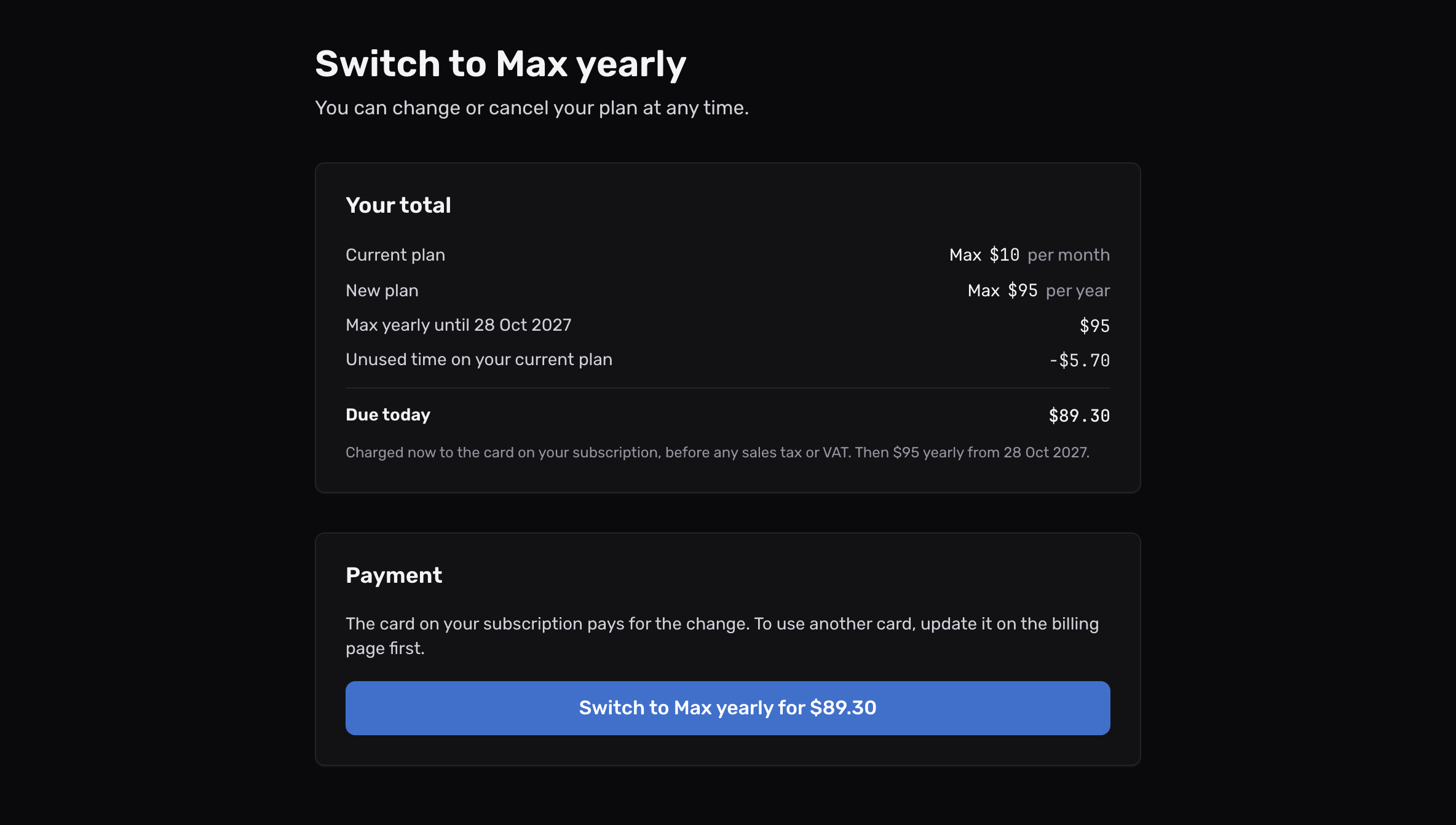
The page lists your Current plan and New plan, the Unused time on your current plan, and the result.
The amounts are before any sales tax or VAT, which Polar adds for your country.
-
Confirm#
Select the button that names your new plan, such as Switch to Max. When money is due now, it shows the amount too.
The page confirms the new plan, and its limits apply at once.
What the switch costs#
| Switch | What happens to the money |
|---|---|
| To a more expensive plan, same cycle | Polar charges the difference now, to the card on your subscription |
| To a cheaper plan, same cycle | The unused time becomes a credit on your next renewal. It is not paid back as money |
| Monthly to yearly, or yearly to monthly | A new billing period starts today at the new plan’s full price, charged now |
The price page shows which of these applies before you confirm. Polar emails a receipt for any charge, and it appears under Receipts on Billing.
To pay with a different card, update the card before you switch.
Moving to a smaller plan#
If your account has more domains, aliases or rules than the smaller plan allows, the newest ones switch off. Their email waits for 5 days before it is returned. See what happens after a downgrade.
The page could not work out the amount
The message reads “We could not work out the exact amount just now.” The switch still works as the table above says. Reload the page to see the exact amount first.